 mydjthumb1920×1080 261 KB
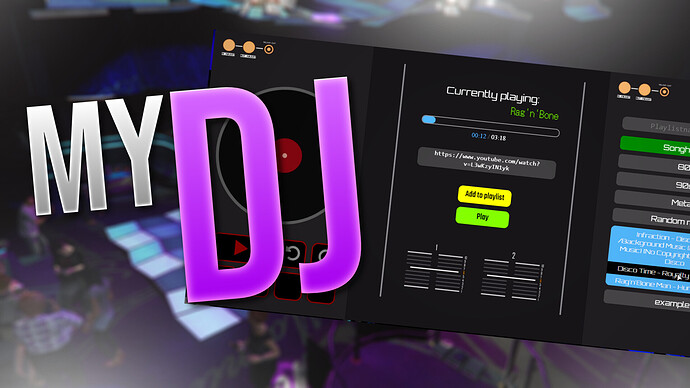
 Hey guys, with this post we want to present myDJ!
Update 23.01.2022: The script is now available for
ESX.
You can find the store links below. Features of myDJ: - You can create as many playlists as you want → When you select a song from a playlist, the next title will automatically start playing when the selected song is over → Autoplay function
- Insert and delete songs from playlists very easy with one click
- You can set up zones for the DJ desks with configurable volume ranges
- There are buttons to pause the music, to skip some seconds, to rewind and to change the volume
- Due to the integration of the xsound API you can simply listen to every youtube video (which isn’t copyright restricted) or discord, radio stream/file.
- You can restrict the DJ Desks to certain jobs
Showcase: 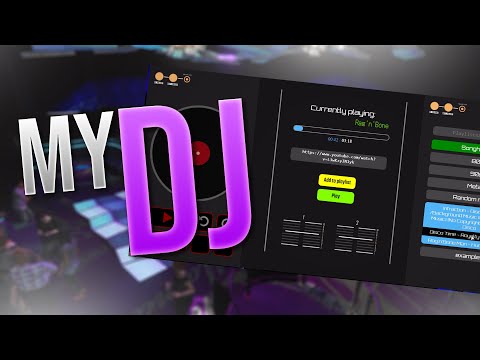 111 DJ Interface:
 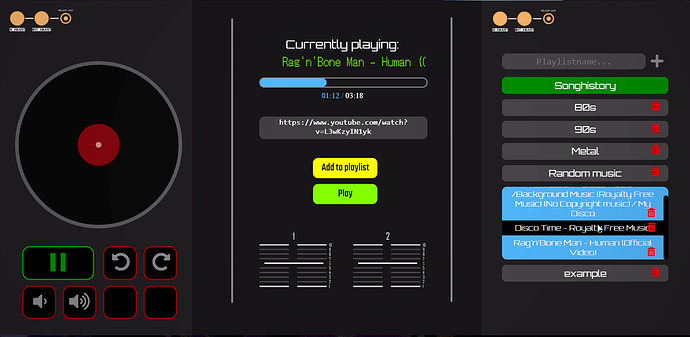 djinterface1435×702 144 KB Synchronization:
 - Of course the sound and all applied changes like changed volume, skipped seconds and so on are synced between all players. And the sound volume will be adapted depending on how far away you are from the DJ desk.
When a song is played the script will run between
0.03-0.04ms 
and during idle at round about
0.02ms  Configuration:
 You can simply create
as many DJ desks as you want in the Config file: Example DJ desk You can also open the UI by triggering the client-side event
myDj:eek:pen Dependencies: - ESX: Is only used for server-side callbacks and job requirement checks
- xsound 368



