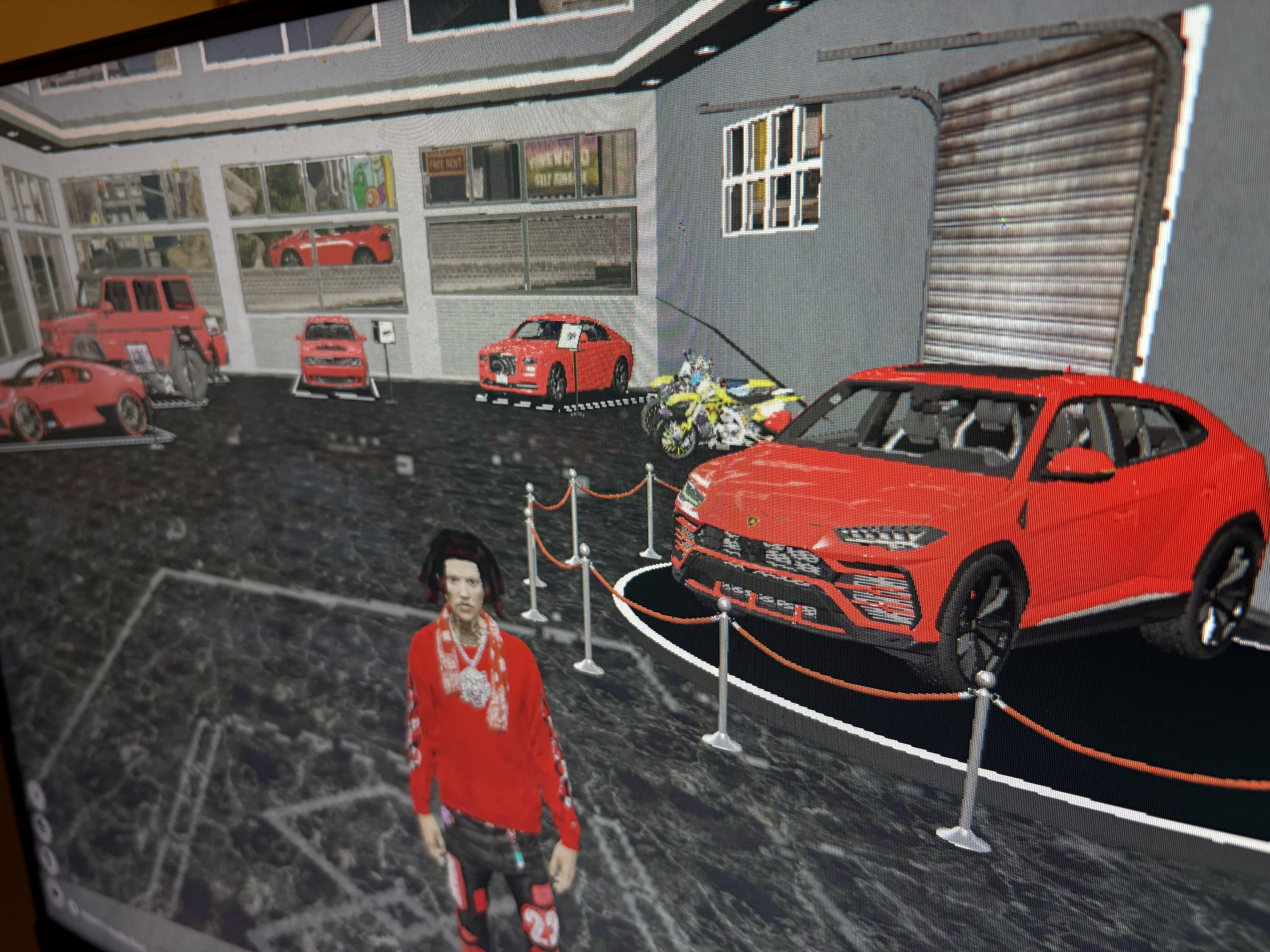
I can tell you that I love the new leaked JG
- JG mechanic
- JG handling
- JG hub
- JG more stuff
Inside of your server.cfg, add a new line after all your other resources have started:
Copy
ensure
Now navigate into the install folder, and then into the inventory folder. You will need to follow a different guide depending on your chosen inventory. The item images can be found within the images folder.
ox_inventory
qb-inventory
esx_inventory
Configuration
Now for the fun part! Let's get the script perfectly configured for your city. Inside of the config folder you will find 4 different configuration files.
The main one you want to worry about is the config.lua file. This is the core configuration for the script. Most integrations (such as framework, text UI, notifications and more) are automatically detected.
In this file, you will mainly want to customise mechanic locations, core pricing, servicing and tuning options.
If you want to dive deeper and really customise the script to your servers specific needs, we have 3 other config files for you to play with. It will allow you to fine tune how cosmetics, servicing & tuning (engine swaps, brakes, tyres, etc) work in your city. These files are heavily commented to help you understand them. They can be a little complicated, so only modify them if you know what you're doing and somewhat comfortable with Lua.